What you will need
Follow these 8 steps to get started.
Visit importacoletiva.com.br
Open your browser and go to the Importacoletiva website. You will arrive at the homepage with the navigation bar at the top.

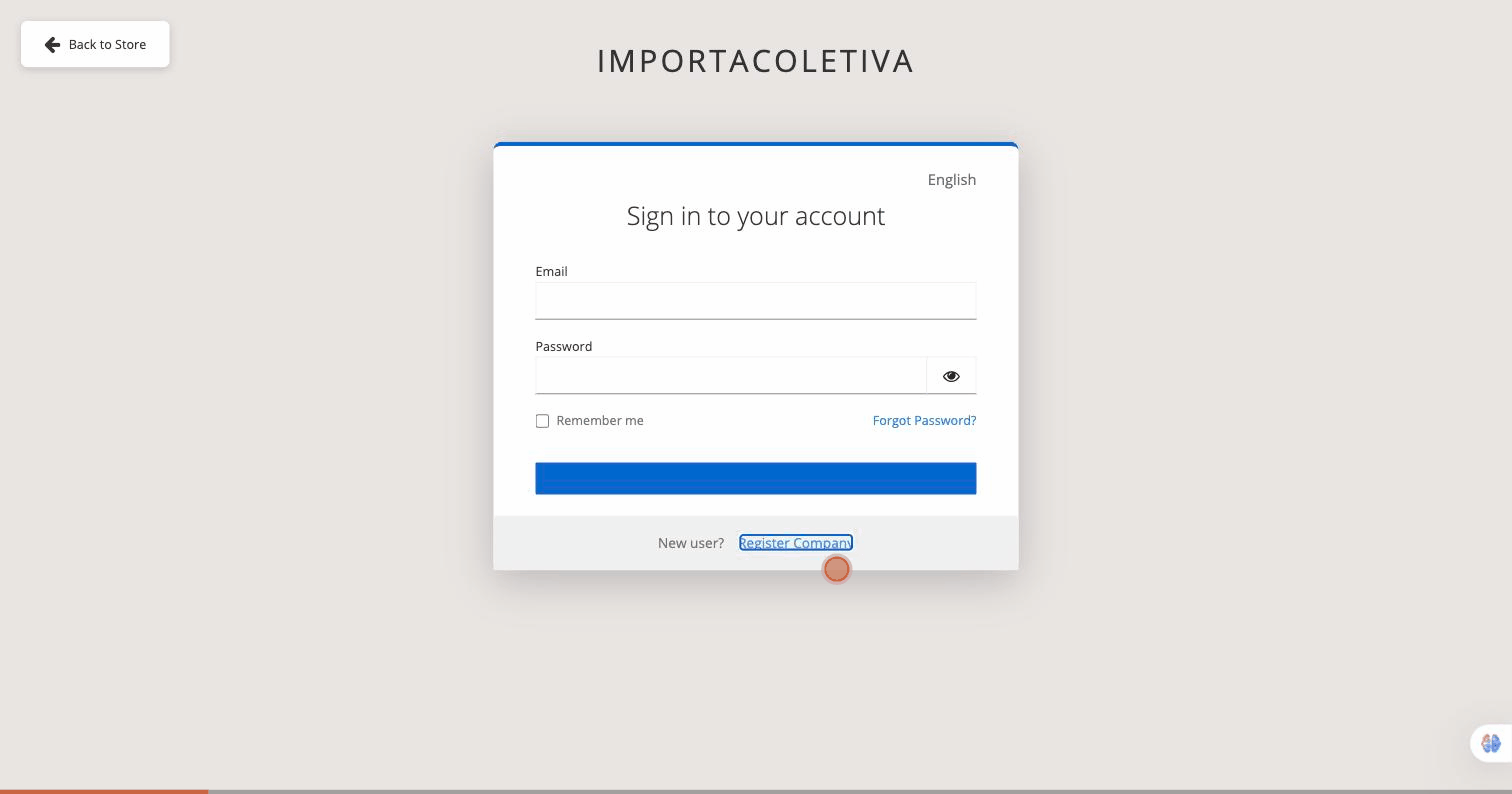
Click on "Register Company""
The Login button takes you to the authentication page. Since you are new, look at the bottom of the login card.
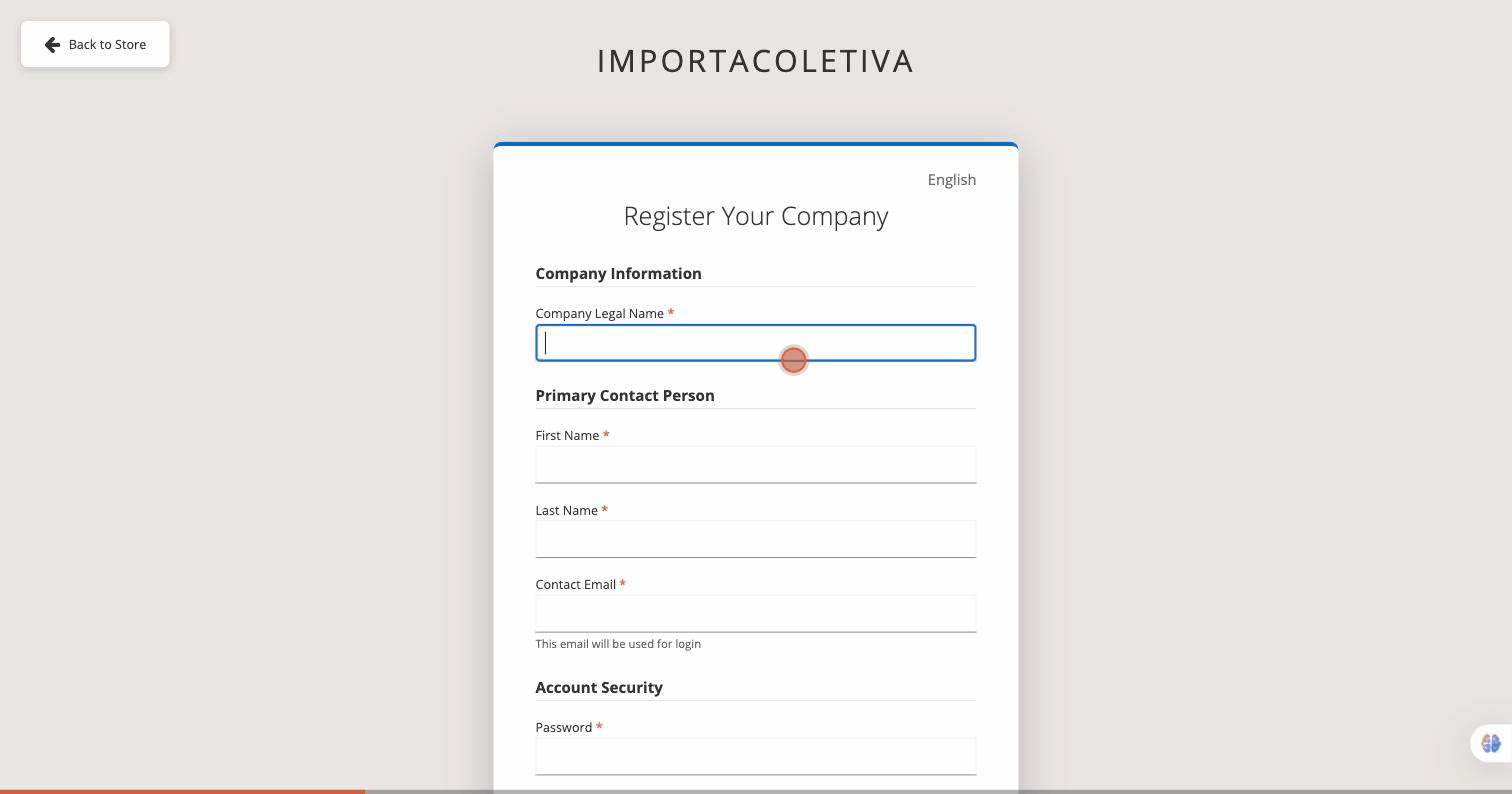
Please provide the company's legal name.
The registration form is open. In Company Information, Please enter your company's full legal name in the first field.
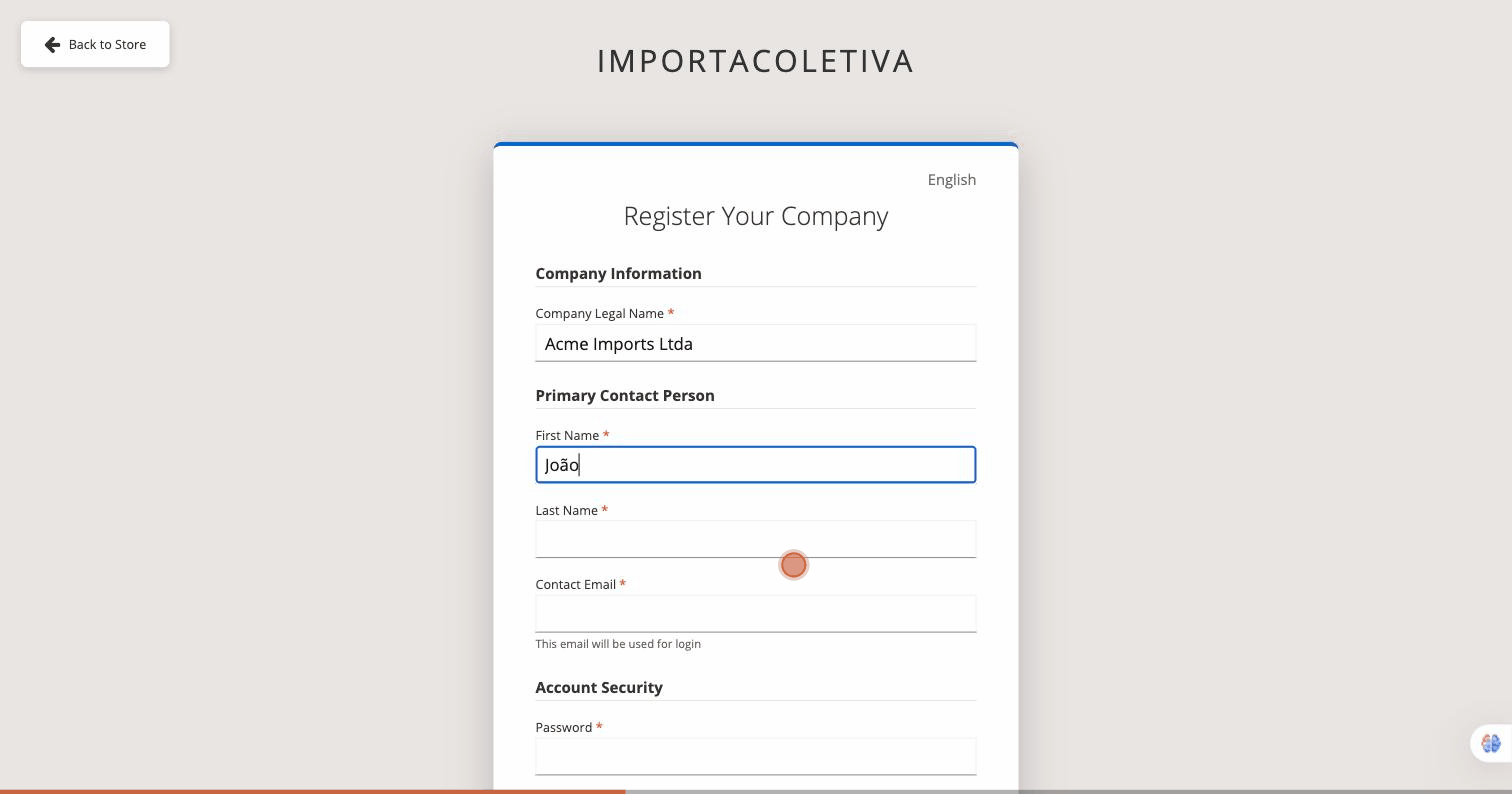
Fill in the Responsible Party's Details
In Primary Contact Person, Please fill in the three fields for the primary account holder.
Last Name — last name of the person in charge
Contact Email — This will be your login username.
Set your password.
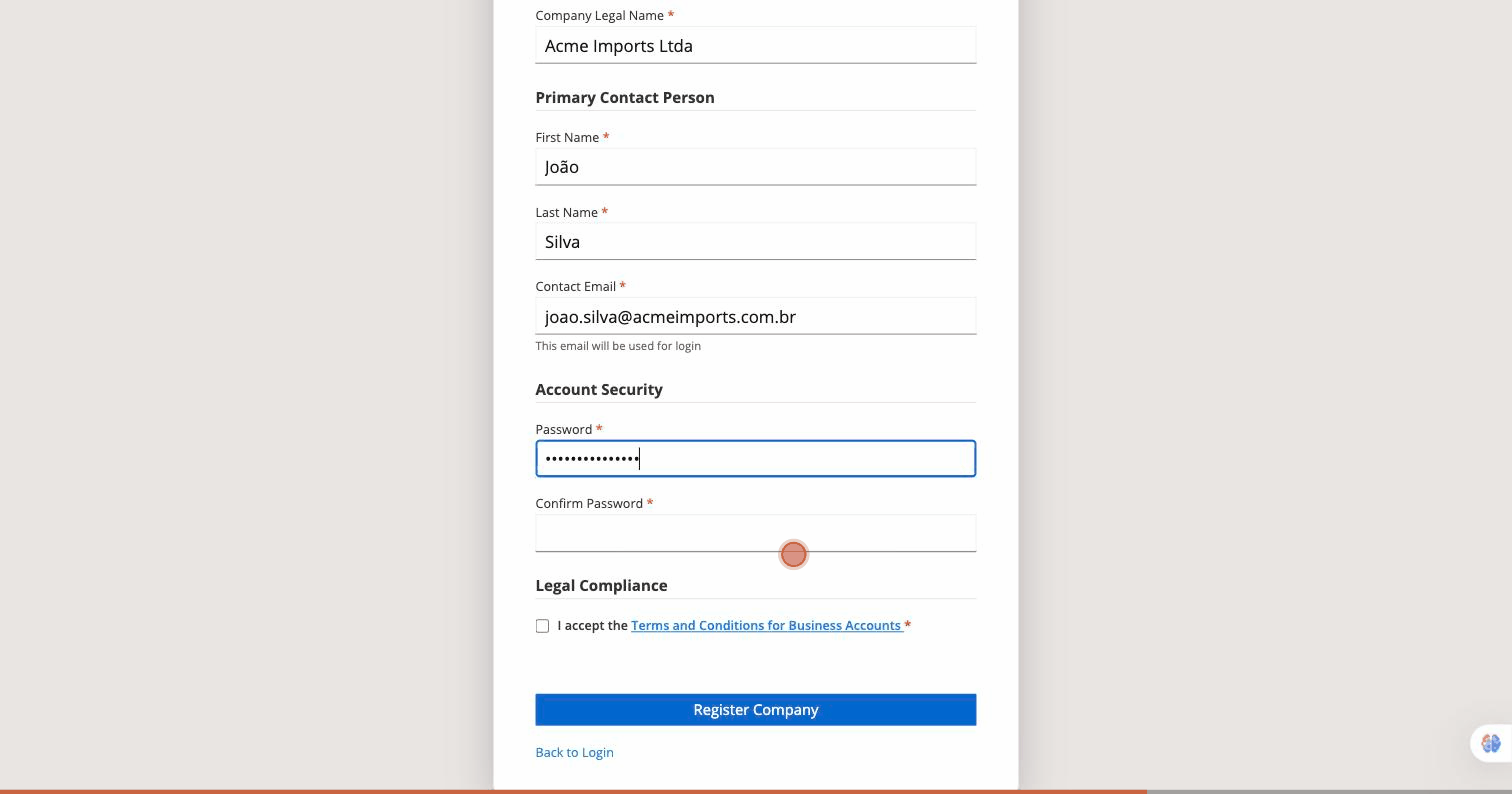
In Account Security, Create a strong password and confirm it in the second field.
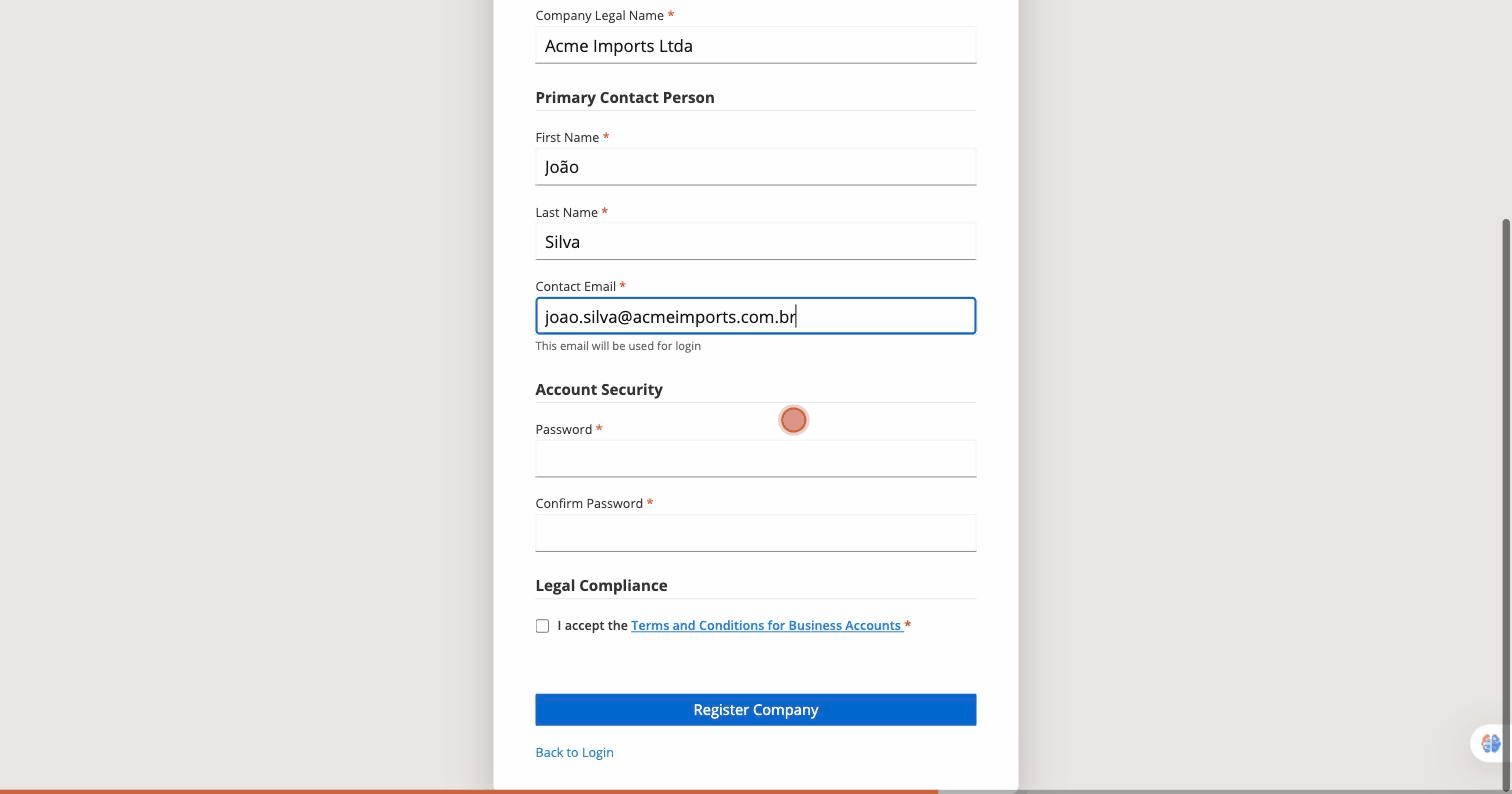
Accept the Terms and Conditions
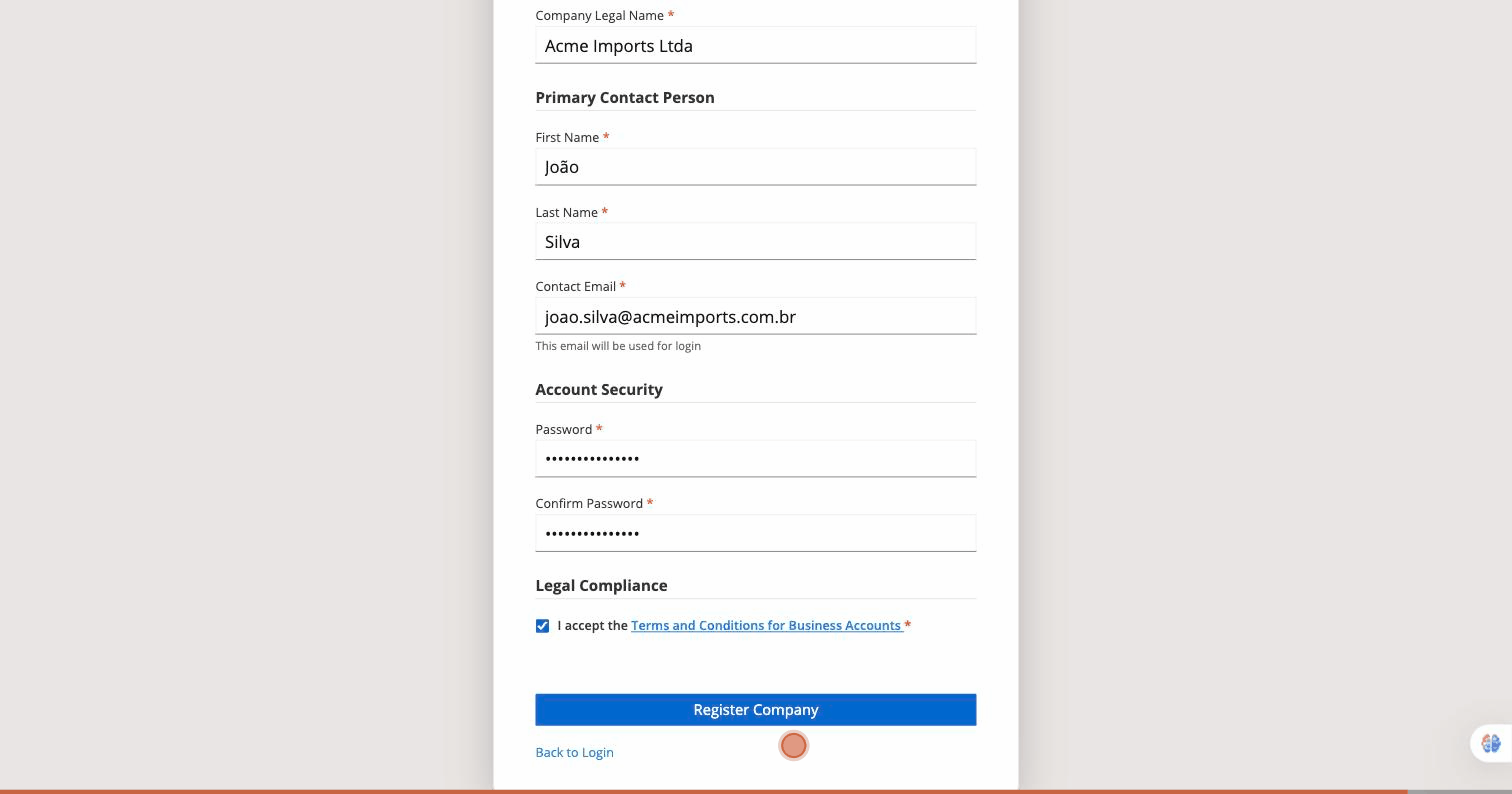
In Legal Compliance, Check the box to accept the Terms and Conditions for Business Accounts.
Click on "Register Company""
With all fields completed and the Terms and Conditions accepted, click the button. Register Company to submit your registration.
Check your email.
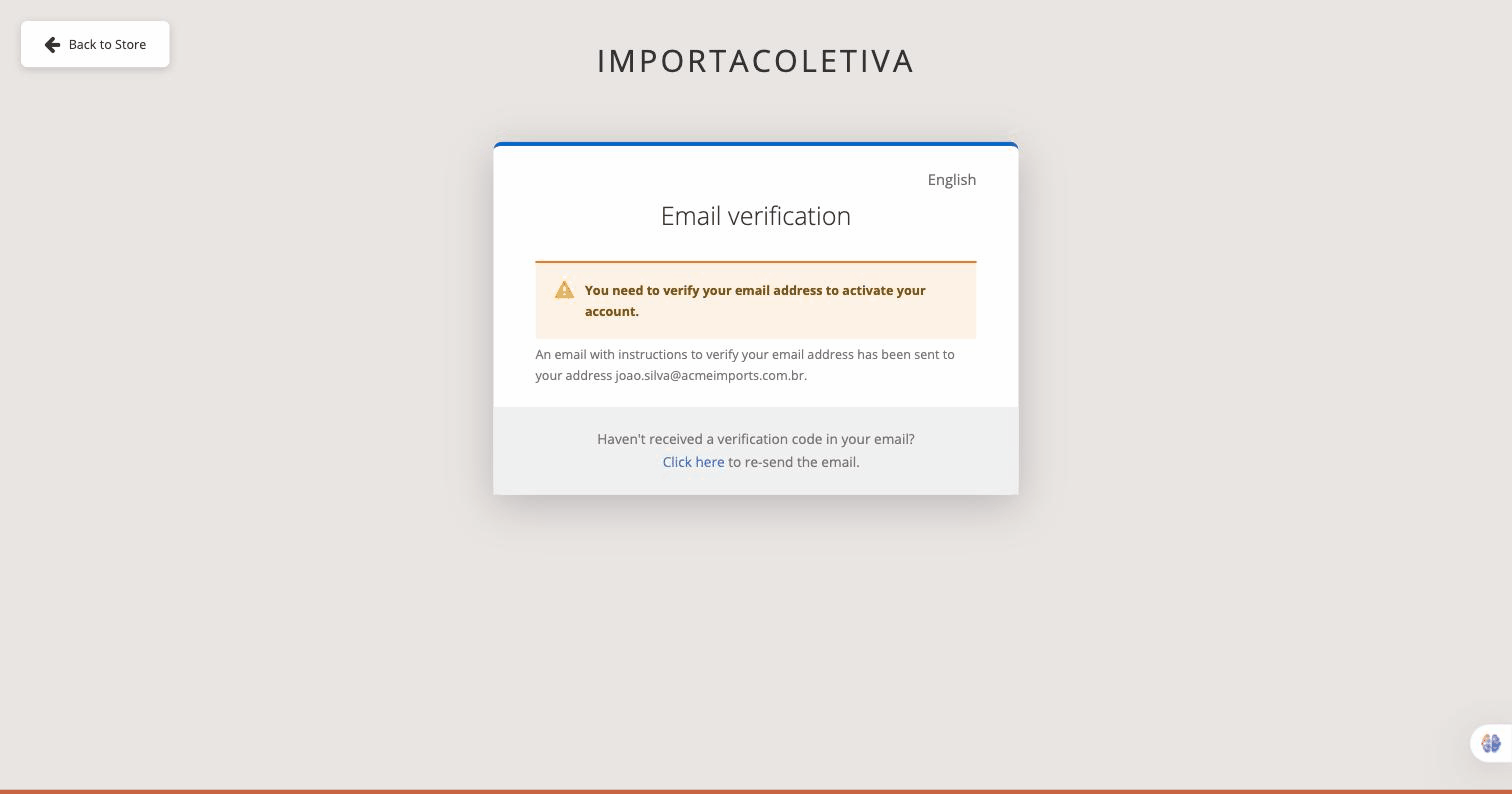
You will see the screen of Email Verification. Open your inbox and click the link sent by Importacoletiva to activate your account.
See the complete registration in action.
An animated guide covering all 8 steps, from the homepage to email verification.